OriginalEdited
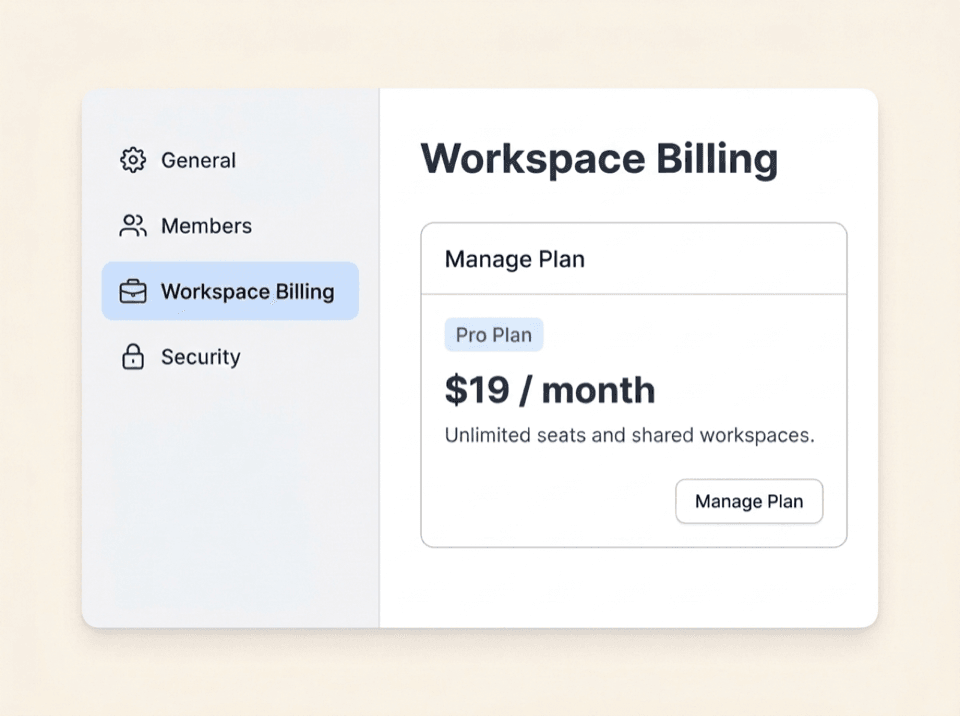
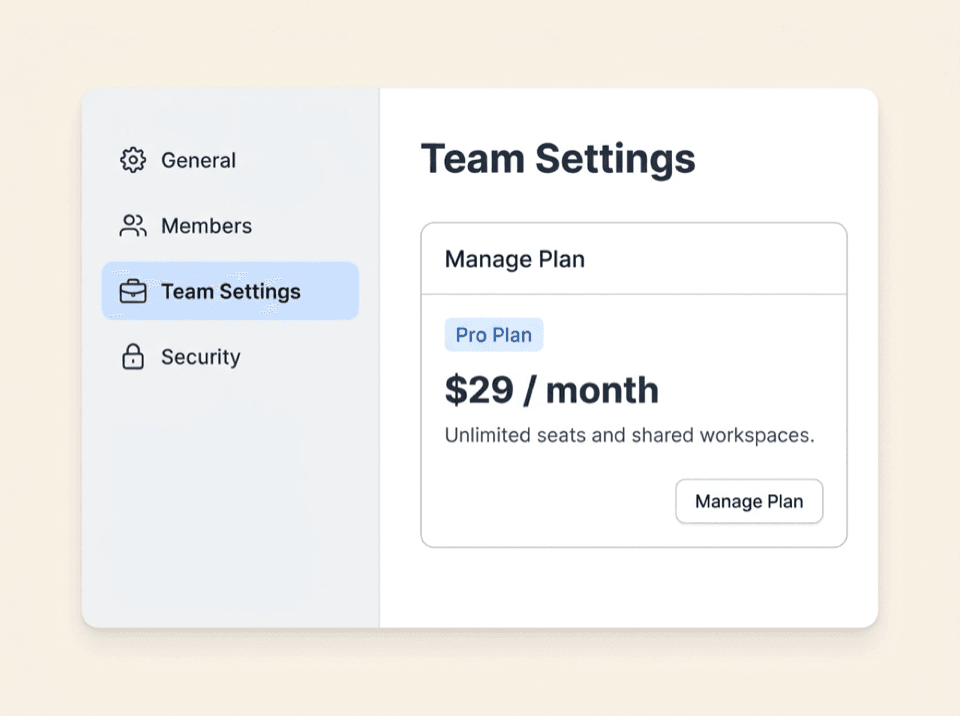
SaaS UI Screenshot
Rename Sidebar Tab & Update Plan Price
Updates sidebar navigation labels and plan rates cleanly without muddying thin 1px UI card borders.
Editorial visual demo · 4:3 · Clean UI sans-serif
Refresh outdated dashboard labels, update captured pricing numbers, or swap live customer emails for clean demo copy inside flat PNG screenshots. Try 1 free 1K edit with no sign-up.
ImageTextEditor replaces text directly inside flattened PNG, JPEG, or WebP screenshots when the live app or Inspect Element is unavailable. Drag a box to isolate a single button or sidebar row so duplicate labels stay intact, matching clean UI sans-serif type with 1 free no-signup trial.
Inspect edge sharpness, sidebar selection contrast, and crisp sans-serif rendering across captured interfaces.
Updates sidebar navigation labels and plan rates cleanly without muddying thin 1px UI card borders.
Editorial visual demo · 4:3 · Clean UI sans-serif
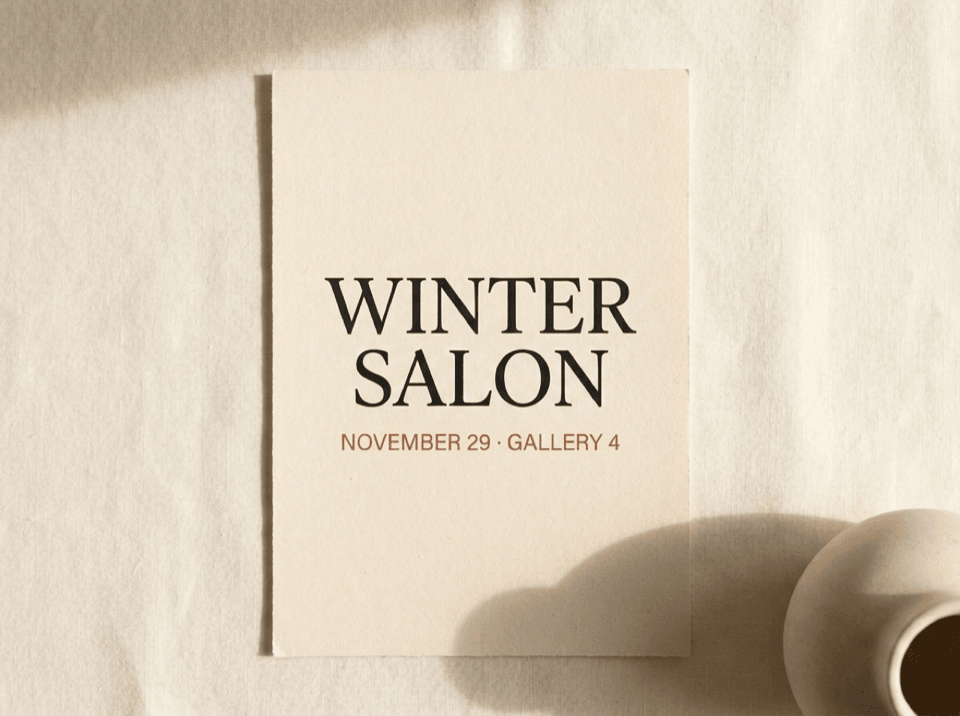
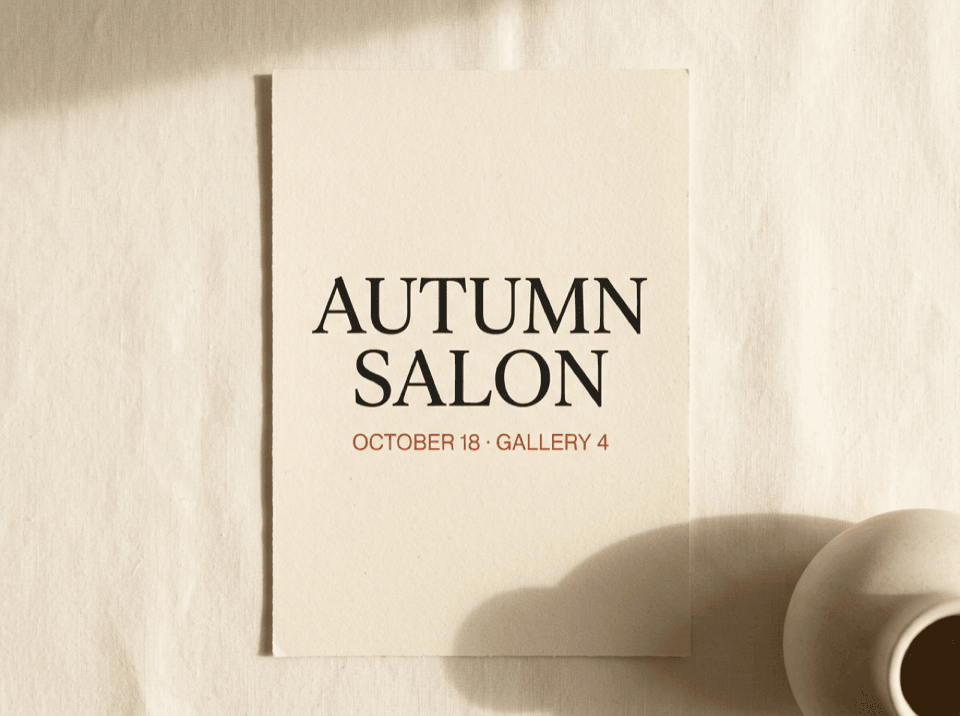
Refreshes dates on flattened marketing slides and social screenshots cleanly.
Editorial visual demo · 4:3 · Preserved lighting & alignment
People on r/GIMP and r/webdev often realize too late that flat UI captures punish sloppy edits immediately.
If the product already shipped a rename or you only have a flat PNG from Slack or Figma export, browser DevTools cannot edit it.
Words like "Settings" or "$29" often appear in both a sidebar and a header; text-only tools risk editing the wrong instance.
Sloppy eraser tools leave faint gray boxes around crisp 1px card borders and dark system typography.
When you only want to hide a private email or API key—not replace demo copy—uploading to an AI server is unnecessary.
Every control is built directly into the workspace above.
Draw a rectangle around the exact button, pill, or table cell when the same phrase appears multiple times on screen.
Outputs crisp PNG files so flat UI cards stay sharp instead of introducing fresh JPEG ringing around text.
Switch to Pro 4K mode (2 credits) whenever updating wide desktop captures packed with small tabular data.
Need to black out or blur personal addresses rather than swap demo text? Switch directly to our local Blur Text tool.
Use an uncompressed PNG capture whenever available so UI icons and hairlines start crisp.
Drag a box over the sidebar label, heading, or pricing badge—especially if the phrase repeats on screen.
Match the exact wording and punctuation (e.g., "$29 / month" → "$19 / month") to keep alignment steady.
Use the before/after slider to confirm adjacent icons and card hairlines stayed razor-sharp, then download PNG.
Prevent duplicate-word surprises and keep dashboard UI sharp with three straightforward habits.
Upload the original retina PNG instead of a downscaled Slack preview, and switch to Pro 4K mode (2 credits).
Draw a tighter bounding box around only the single instance you want updated.
Swap one demo email with AI Replace, or use our free client-side Blur Text tool for rapid multi-box blackouts.
Checked on 2026-11-21. Pick the right method based on whether you have live HTML access or only a flat capture.
| What Matters | ImageTextEditor | Inspect Element / Photopea / Local Tools |
|---|---|---|
| Works on existing flat PNGs | Directly edits saved screenshots from docs, slides, mobile apps, or native desktop UI. | Browser Inspect Element only works on live web pages before taking the screenshot. |
| Duplicate UI text safety | Canvas box targeting isolates single buttons or table cells without touching other rows. | Text-only AI tools lack region boxes; Photopea requires manual eyedropper fill + font hunting. |
| Privacy redaction alternative | Links directly to our 100% browser-side Blur & Black Box tool (zero uploads, free forever). | Most cloud screenshot editors upload sensitive captures before applying a blur. |
| Strict document safety | Enforces Acceptable Use checks blocking IDs, bank statements, pay stubs, and receipts. | Legitimate help docs, SaaS demos, and slide captures only. |
Real inputs, outputs, and day-to-day workflows.
Refresh documentation screenshots in minutes without recreating complex demo datasets.
Avoid ugly black redaction bars in customer-facing hero slides.
Polish microcopy inside app previews cleanly before release.
Very wide 4K ultrawide captures with dense 10px tables benefit from cropping to the relevant panel or using Pro 4K mode.
Editing bank dashboards, tax portals, pay stubs, or official receipts is strictly prohibited and blocked.
For API keys, tokens, or real user PII that must never leave your laptop, use our client-side Blur Text tool instead.
If you have live browser access, Inspect Element remains instant for pre-capture HTML edits.
Evidence-backed answers specific to edit text in screenshot.
Yes. Drag a bounding box directly around the specific card or row you want edited before running the job so other areas on screen remain unchanged.
PNG is best for screenshots because it preserves razor-sharp UI edges and avoids JPEG compression artifacts around dark text on white cards.
Use our free Blur Text in Image tool, which applies Gaussian blur, pixelation, or solid black boxes 100% locally in your browser with zero server uploads.
Yes. Upload any mobile screenshot PNG or JPEG and use Replace Text (or Translate to localize the UI) while keeping device frames intact.
Yes. Every new visitor gets 1 free Standard 1K edit with no sign-up required, plus 2 bonus credits upon signing in with Google.
Each dedicated workflow shares your account credits with zero subscriptions required.
Translate text inside PNG, JPG, and WebP graphics across 20+ languages while adapting typography, wrapping longer phrases cleanly, and keeping brand names intact.
Same-Font Visual MatchingReplace text in flattened images while matching the exact visual font weight, serif curves, surface grain, and shadows—no PSD file or font installation needed.
AI Typo Repair · Box & FixFix misspelled letters, doubled characters, and garbled signs in Midjourney, Flux, or DALL-E images by boxing the typo—without regenerating the whole composition.